
STEP 1
Click on the button to log into your West Rand Sublimation Account or Register a new account if you don’t have an account as yet.

Login to see sBucks balance
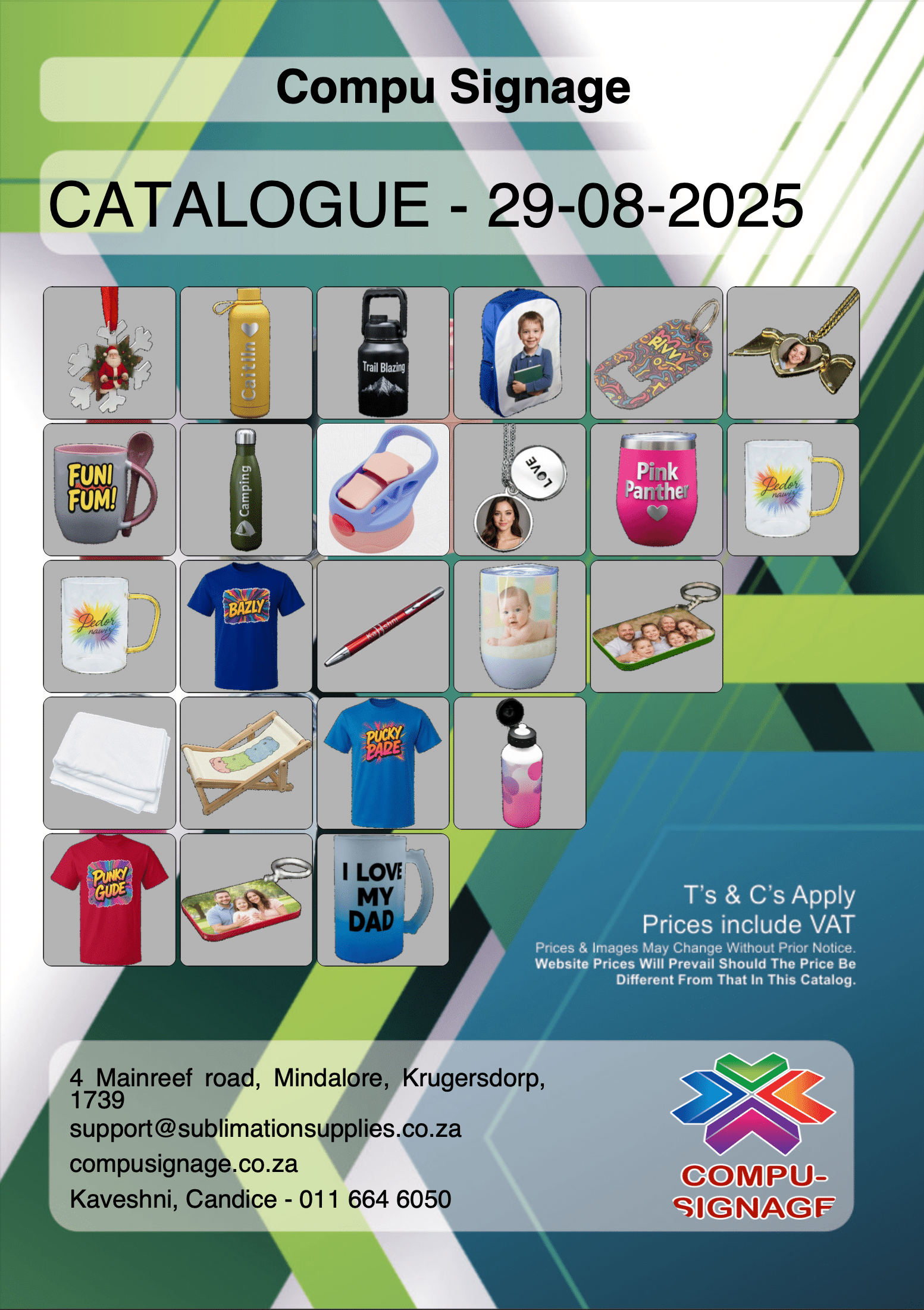

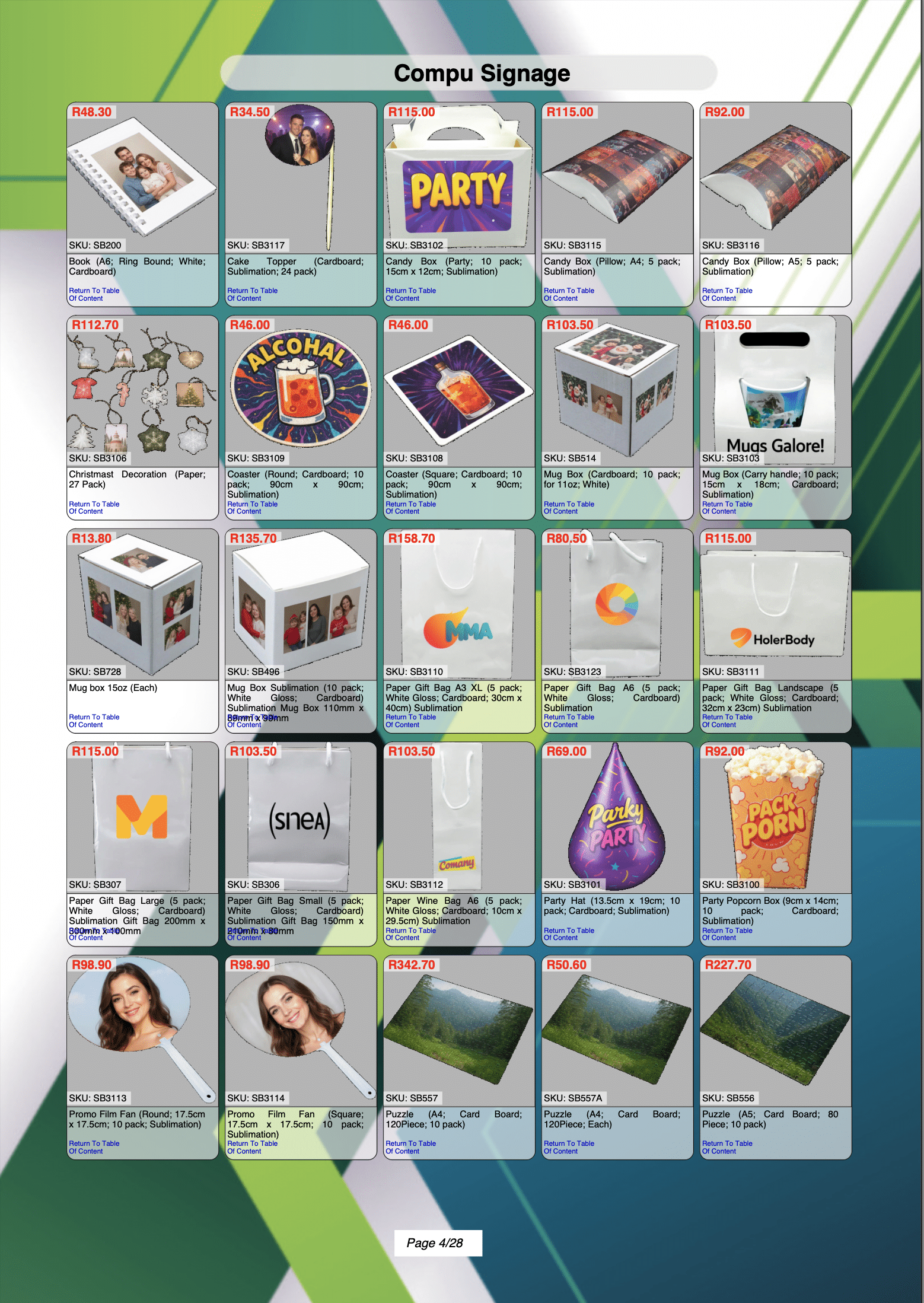
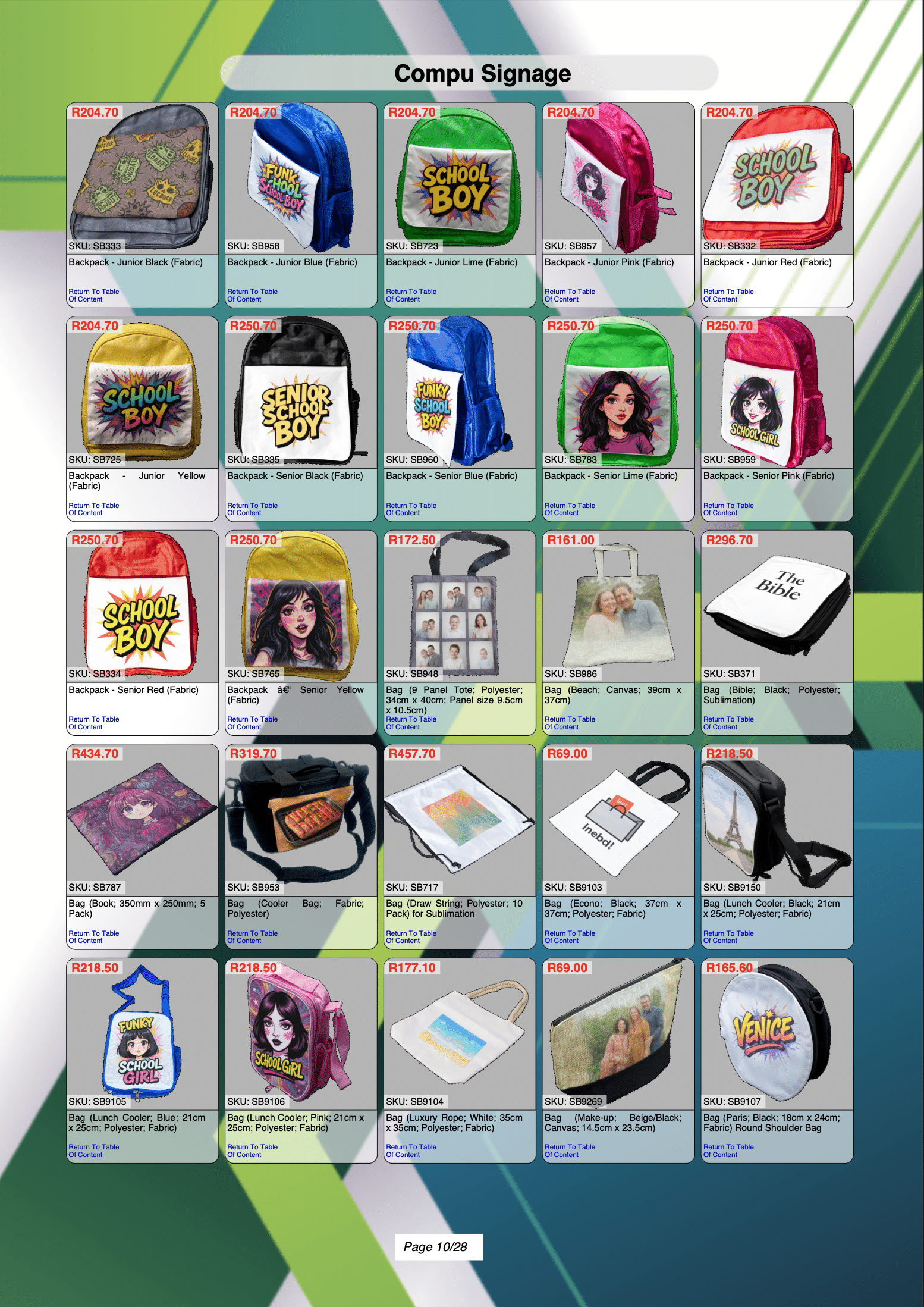

Why spend hours building a catalogue when you can create one in minutes?
With our Custom PDF Catalogue wizard, it’s fast, easy, and completely under your control!
Click on the button to log into your West Rand Sublimation Account or Register a new account if you don’t have an account as yet.
Click on the button to navigate to the Custom Catalogue landing page from where you will be abled to start the wizard.

Click on the button to start the Custom Catalogue wizard to create your Custom Catalogue or to update your existing Custom Catalogue.

Click on the button to start the Custom Catalogue wizard to create your Custom Catalogue or to update your existing Custom Catalogue.
In this step you will be required to complete the form with your Contact details, Company details and address.
Finally you need to upload a 512×512 pixel logo.
In order to continue you need to save the data first.


Remember that the wizard will not allow you to go to the previous step or continue to the next step unless you have saved your data.
Click on the 


Select the categories that you would like to appear in your catalogue by clicking on the tick-box on the left top corner of each image.
Remember to save before continuing.

Click on the 

Select the products that you would like to appear in your catalogue by clicking on the tick-box on the left top corner of each product box.
Enter a custom product name or leave blank if you would like to use our default name.
The selling price is calculated using the markuppercentage that you entered in STEP 4 but you can enter any value you require.
Remember to save before continuing.

Check your product descriptions, selling price and calculated profit percentage.
You can go back to alter the products or you can continue to the next step.

Select the template that you like.
Remember to save before continuing.

Preview your catalogue layout or click on the link to download the sample layout.

Order your Custom Catalogue by adding it to your cart and continue to checkout and payment.

We will send you a catalogue proof.
Create a professional catalogue tailored to your business in just a few easy steps. With over twenty templates to choose from, you can select the categories and products that best fit your needs. Add your own product names and set individual selling prices, ensuring your catalogue reflects your brand and pricing strategy.
Your first custom catalogue costs R500, and any future updates are only R50 per update. You stay in full control of your catalogue content, product details, and pricing.
How it works:
Log into our online store (or register a new account).
Start the wizard and enter your business details.
Select the categories and products you’d like to include.
Add your custom product names and pricing.
Submit your catalogue request and preview a sample layout.
Complete checkout.
Once payment is received, we’ll create your personalised catalogue and send you a download link.
Deliver a polished, professional catalogue to your customers and grow your sales with ease.


Due to popular demand, Sam will only be available on our WhatsApp line:
Typical questions to ask Sam:
- Where is my order?
- Do you service printers?
- What is my tracking number?
- How do I print a magnet?
- Do you give discount?
- What is your address?
- What time do you close?
- Do you deliver?
Thank you for understanding.
Login to see sBucks balance
